


The Material Issues & Receives – Job Order report provides details of materials issued and received against job orders. It helps users track material movements associated with sales orders, activities, and specific job orders.
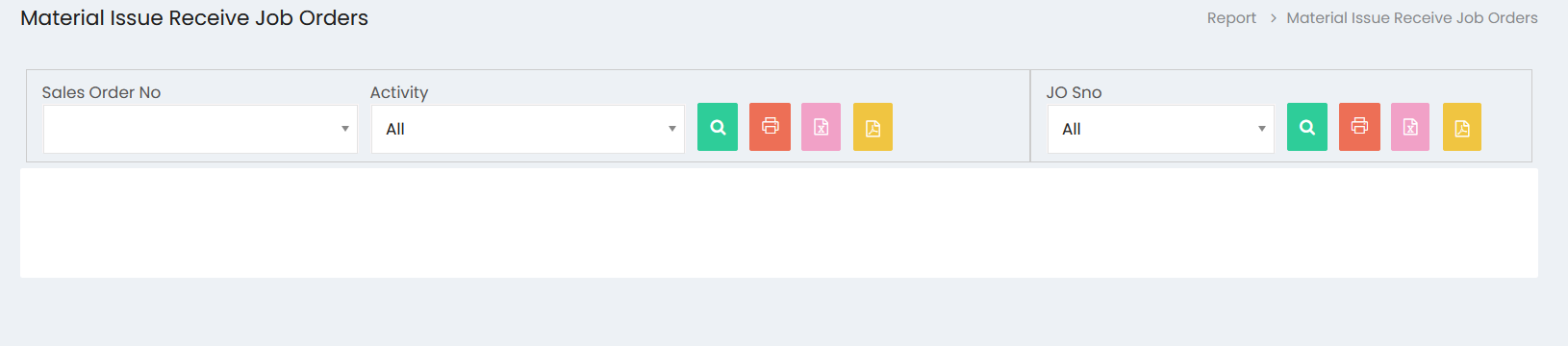
Filters
- Sales Order No – Select a sales order to view the related material issue and receipt details.
- Activity – Select an activity to filter the report. The default option is All.
- JO Sno – Select a Job Order serial number to view material issue and receipt details for a specific job order. The default option is All.
Search
Click the Search button to display the material issue and receipt details based on the selected filters.
Export and Print
- Click the Print button to print the displayed report.
- Click the Excel button to export the report to Excel.
- Click the PDF button to export the report as a PDF.