


The Widgets panel provides available report widgets that can be added to the dashboard canvas.
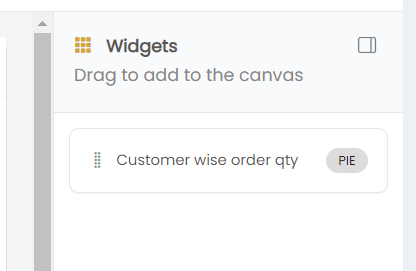
The panel displays the message Drag to add to the canvas, indicating that widgets can be added by dragging them from the Widgets panel to the dashboard canvas.
Each available widget displays:
- Widget Name – Displays the name of the available widget.
- Chart Type – Displays the visualization type of the widget, such as PIE.
For example, the Customer wise order qty widget is available with the PIE chart type.