


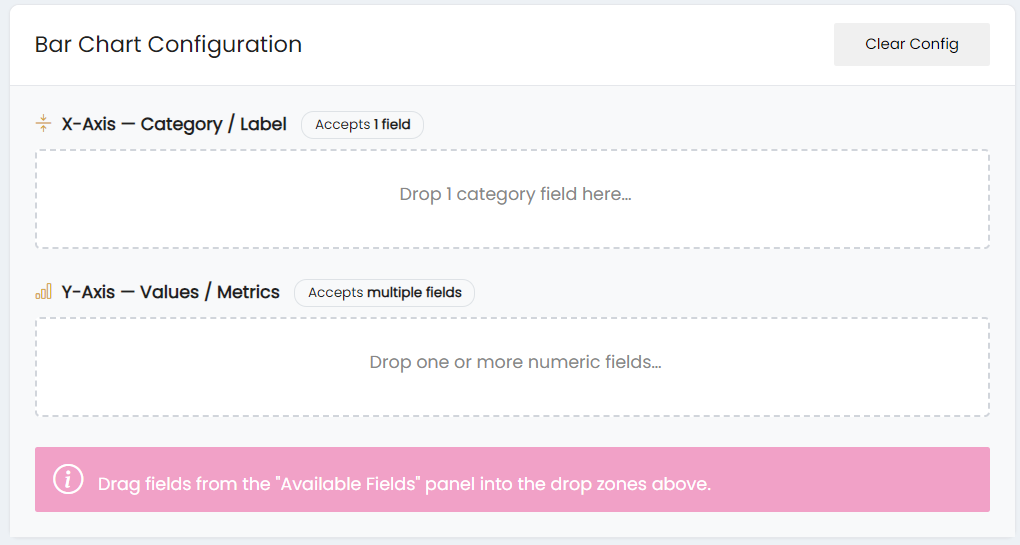
The Bar Chart Configuration section allows users to configure the fields used for the X-axis and Y-axis of a bar chart.
X-Axis – Category / Label
The X-Axis – Category / Label section accepts 1 field. Drag the required category field from the Available Fields panel into the X-axis drop zone.
Y-Axis – Values / Metrics
The Y-Axis – Values / Metrics section accepts multiple fields. Drag one or more numeric fields from the Available Fields panel into the Y-axis drop zone.
The selected fields are used to configure the categories and values displayed in the bar chart.
The Clear Config option clears the current chart configuration.