


The Live SQL Preview section displays the SQL query generated from the dataset configuration.
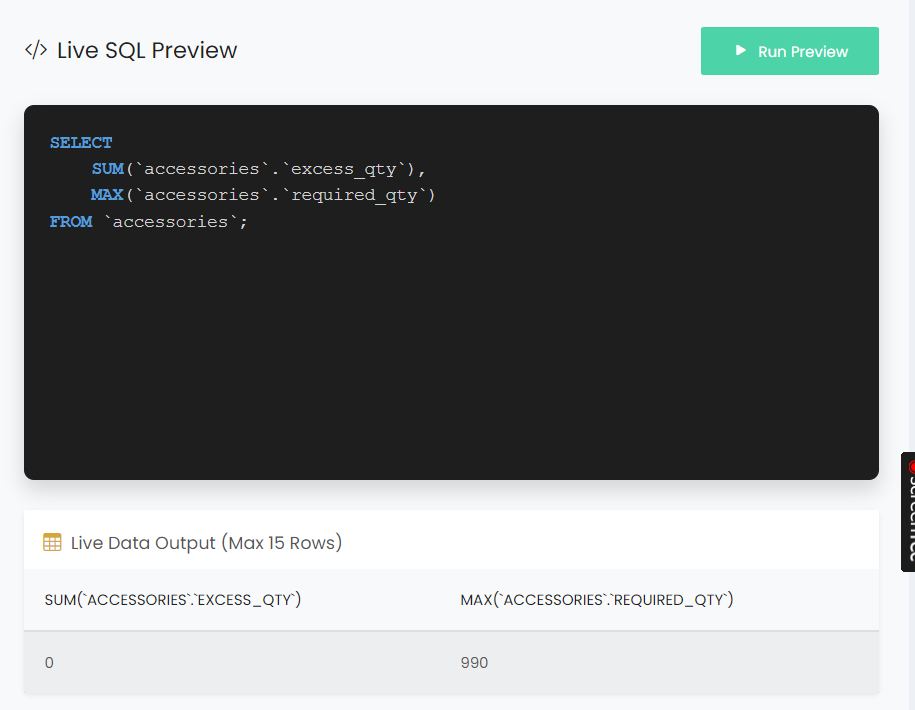
Click Run Preview to execute the displayed SQL query and preview the resulting data.
The Live Data Output section displays the query results in a table format. The preview displays a maximum of 15 rows.
The output columns reflect the selected fields and aggregations in the SQL query, such as SUM and MAX.