


The Add New Data Source page allows users to configure an Incoming Webhook as a data source in Skynyx BI.
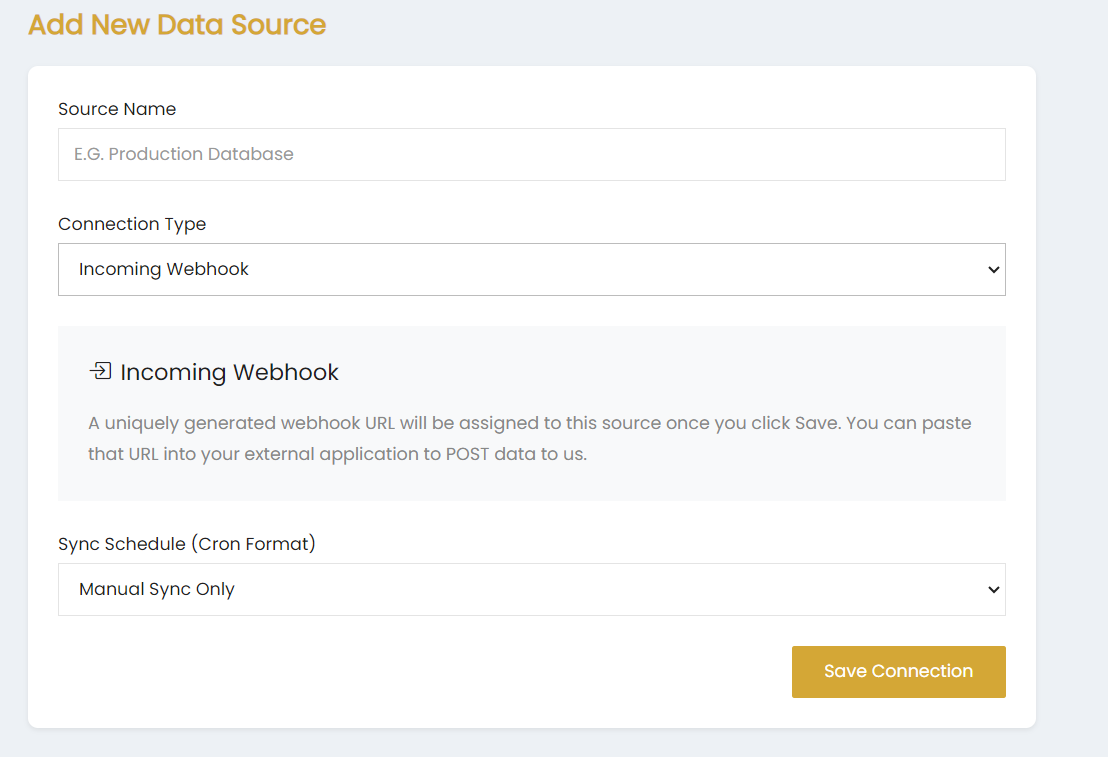
Source Name
Enter the name of the data source in the Source Name field.
Connection Type
Select Incoming Webhook from the Connection Type dropdown.
Incoming Webhook
The Incoming Webhook section provides information about the webhook connection.
A uniquely generated webhook URL is assigned to the source after clicking Save. The generated URL can be added to an external application to POST data to Skynyx BI.
Sync Schedule
Select the required synchronization option from the Sync Schedule (Cron Format) dropdown. The available selection shown is Manual Sync Only.
Save Connection
Click Save Connection to save the Incoming Webhook data source.