


Dashboard tabs allow users to organize and access different dashboard views within Skynyx BI.
The dashboard displays available tabs at the top of the dashboard area. Each tab represents a separate dashboard view.
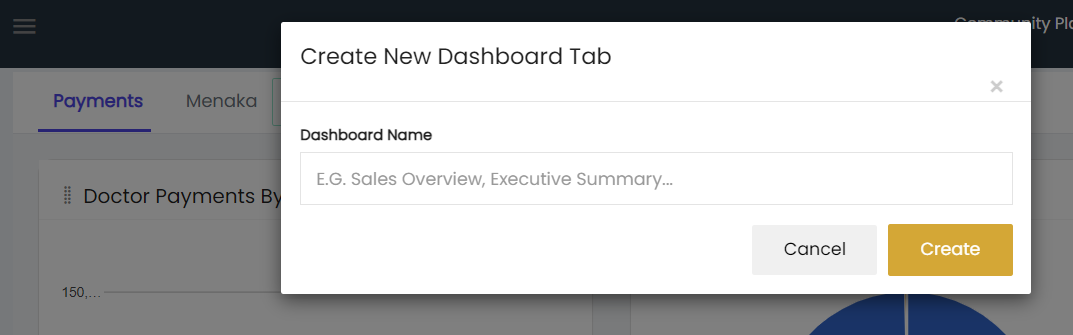
The + New Tab option opens the Create New Dashboard Tab window.
Creating a Dashboard Tab
The Create New Dashboard Tab window includes:
- Dashboard Name – Enter the name of the new dashboard tab.
- Create – Creates the dashboard tab with the entered name.
- Cancel – Cancels the dashboard tab creation.
The created dashboard tab is displayed alongside the existing dashboard tabs.