


The Sales Performance section provides a consolidated view of sales activities and customer interactions. It helps users monitor meetings, calls, and emails based on selected date ranges and business records.
Date Range
The Date Range option allows users to select the period for which sales activity information should be displayed.
- Date Range – Select a predefined date range such as Today.
- From Date – Select the starting date.
- To Date – Select the ending date.
Sales Activity Filters
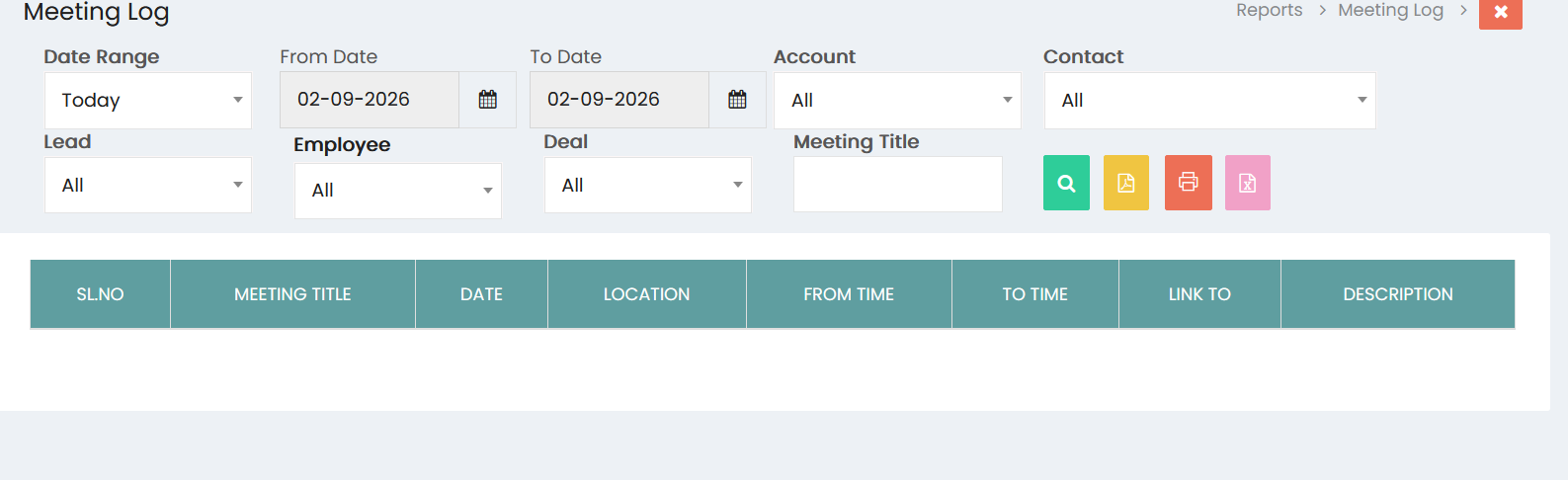
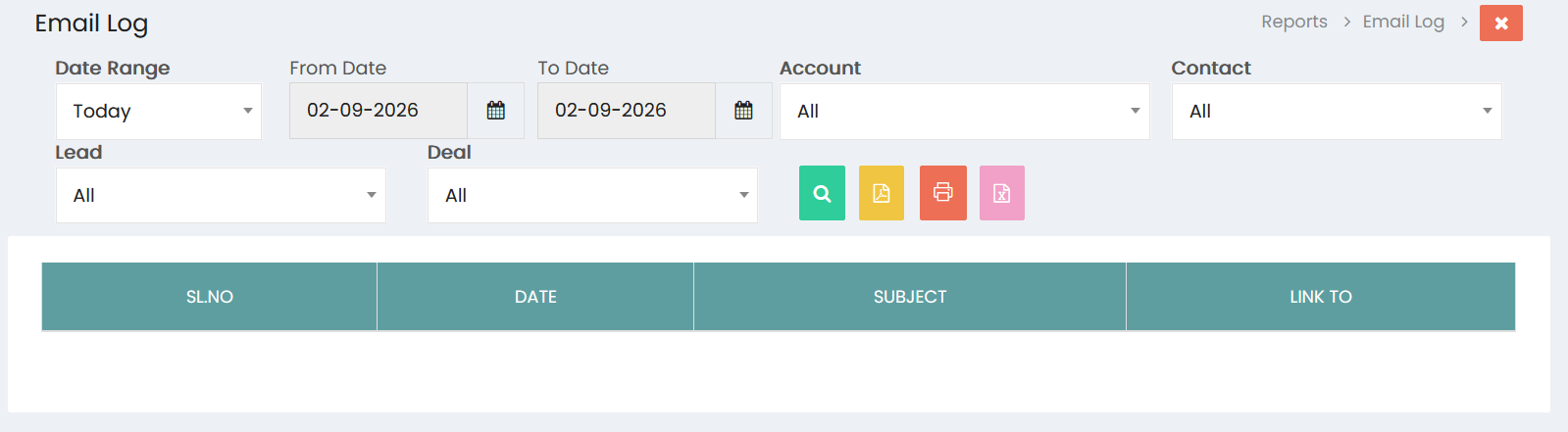
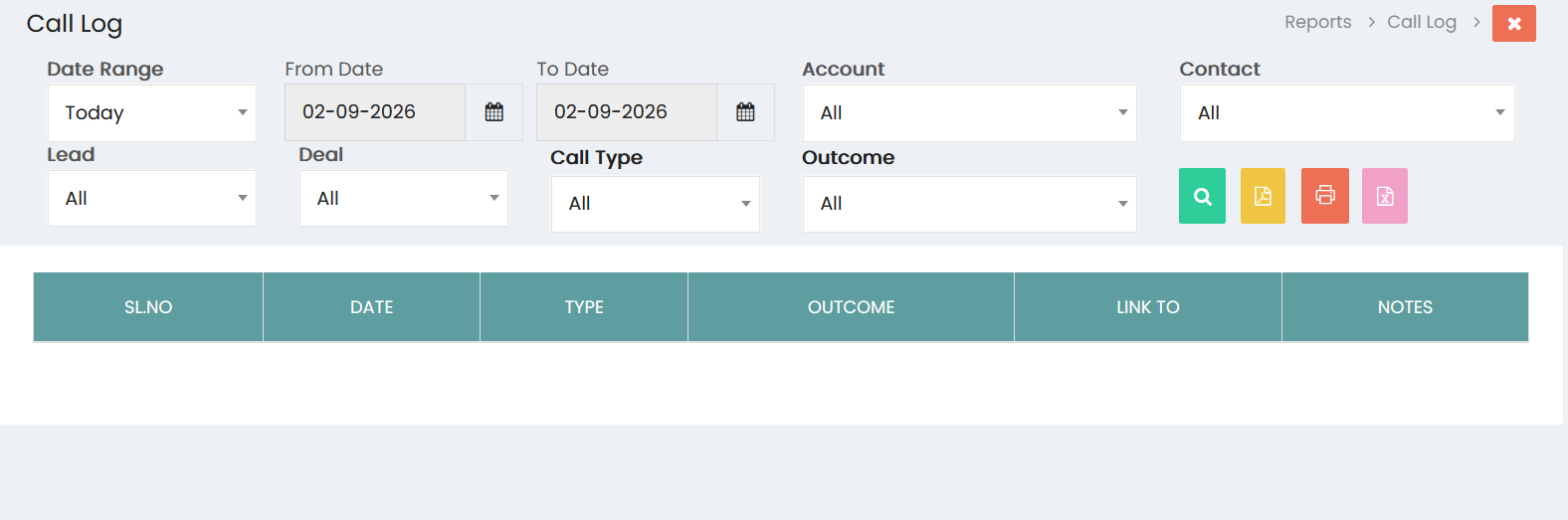
Users can filter sales activity information using the available fields:
- Account – Select an account to view activities associated with a specific customer.
- Contact – Select a contact to view activities associated with a specific person.
- Lead – Select a lead to view activities related to a particular lead.
- Deal – Select a deal to view activities associated with a specific sales opportunity.
- Employee – Select an employee to view activities performed or managed by a specific user.
- Meeting Title – Enter a meeting title to locate specific meetings.
- Call Type – Select the type of call to filter call activities.
- Outcome – Select the call outcome to review calls based on their results.
Meeting Log
The Meeting Log displays meeting activities based on the selected filters.
The meeting information includes:
- Sl.No – Displays the sequential number of the meeting.
- Meeting Title – Displays the title of the meeting.
- Date – Displays the meeting date.
- Location – Displays the meeting location.
- From Time – Displays the meeting start time.
- To Time – Displays the meeting end time.
- Link To – Displays the record associated with the meeting.
- Description – Displays additional meeting information.
Call Log
The Call Log provides information about recorded call activities.
The call information includes:
- Sl.No – Displays the sequential number of the call.
- Date – Displays the call date.
- Type – Displays the type of call.
- Outcome – Displays the result of the call.
- Link To – Displays the record associated with the call.
- Notes – Displays additional information recorded for the call.
Email Log
The Email Log provides a record of email activities associated with sales and customer interactions.
The email information includes:
- Sl.No – Displays the sequential number of the email.
- Date – Displays the email date.
- Subject – Displays the subject of the email.
- Link To – Displays the record associated with the email.
Viewing Sales Performance
After selecting the required filters, click the Search button to display the corresponding sales activity records. The results provide visibility into customer interactions and sales activities within the selected period.
Exporting Reports
The report screens provide options to export or print the displayed information. Users can generate reports in available formats such as PDF and Excel, or use the Print option for a physical or printable copy.
Sales Performance Monitoring
The Sales Performance section helps users review sales activities, monitor customer interactions, evaluate follow-up activities, and maintain visibility into meetings, calls, and emails associated with leads, accounts, contacts, and deals.