


The Attributes & Values section is used to create and manage product attributes that can be associated with products. Attributes help define specific characteristics or classifications of products.
Adding an Attribute
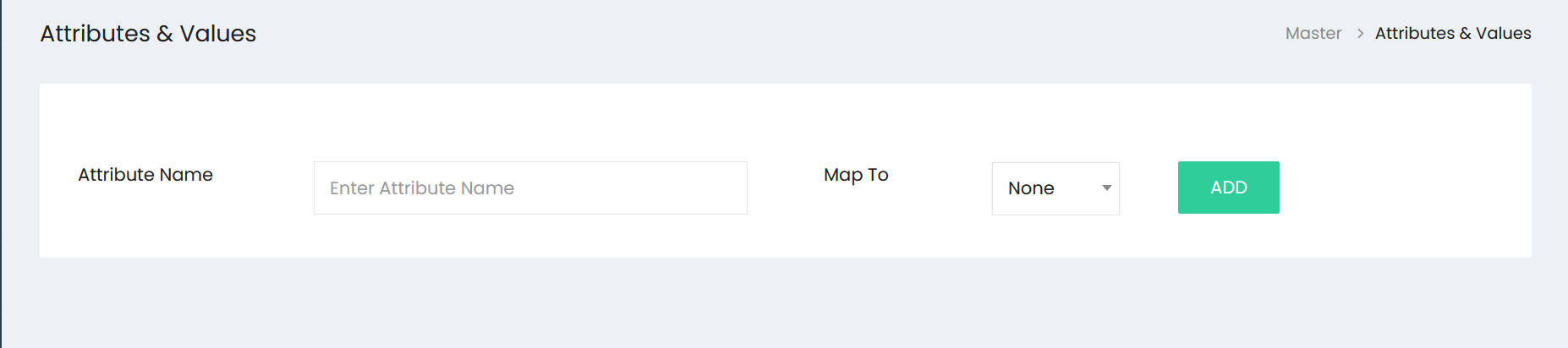
Enter the attribute details in the available fields:
- Attribute Name – Enter the name of the attribute, such as Size, Color, Type, or Material.
- Map To – Select the appropriate mapping option for the attribute. The default option is None.
After entering the details, select ADD to create the attribute.
Managing Attributes
Created attributes are displayed in the Attributes & Values list. Each attribute can be expanded to view its associated values.
Use the available Edit option to modify an existing attribute and the Delete option to remove an attribute when required.
Attributes and their values can then be used when defining product information, allowing products to be classified according to their specific characteristics.