


The Meetings section allows users to schedule and manage meetings related to business activities. It provides a centralized view of meetings based on their scheduled date, including Today, Future, and Past meetings.
Meeting List
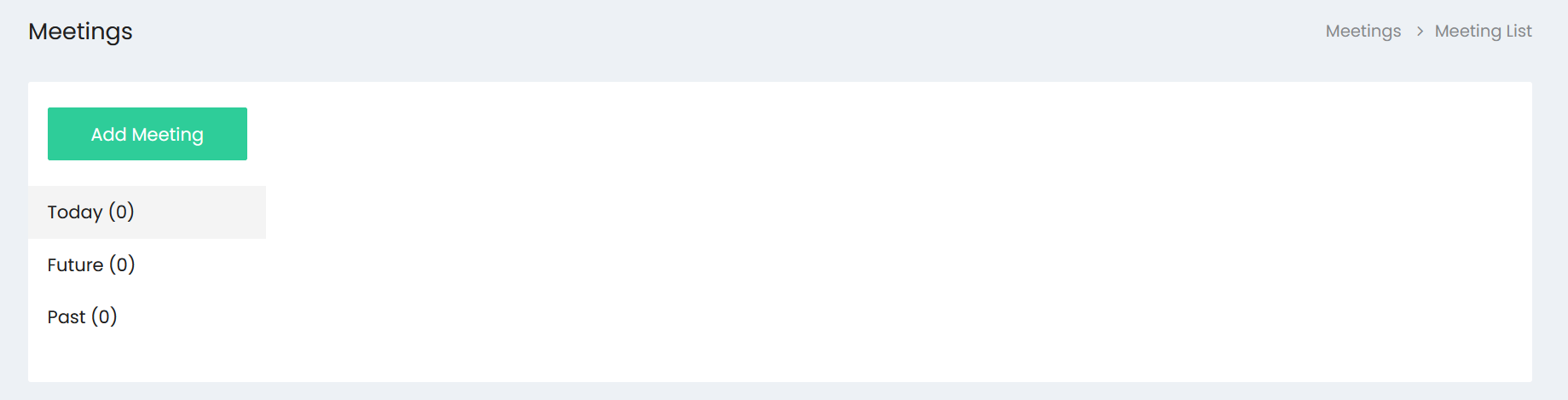
The Meeting List provides an overview of scheduled meetings and organizes them into three categories:
- Today – Displays meetings scheduled for the current date.
- Future – Displays upcoming meetings scheduled for future dates.
- Past – Displays meetings that have already taken place.
The number displayed next to each category indicates the number of meetings available in that category.
Adding a New Meeting
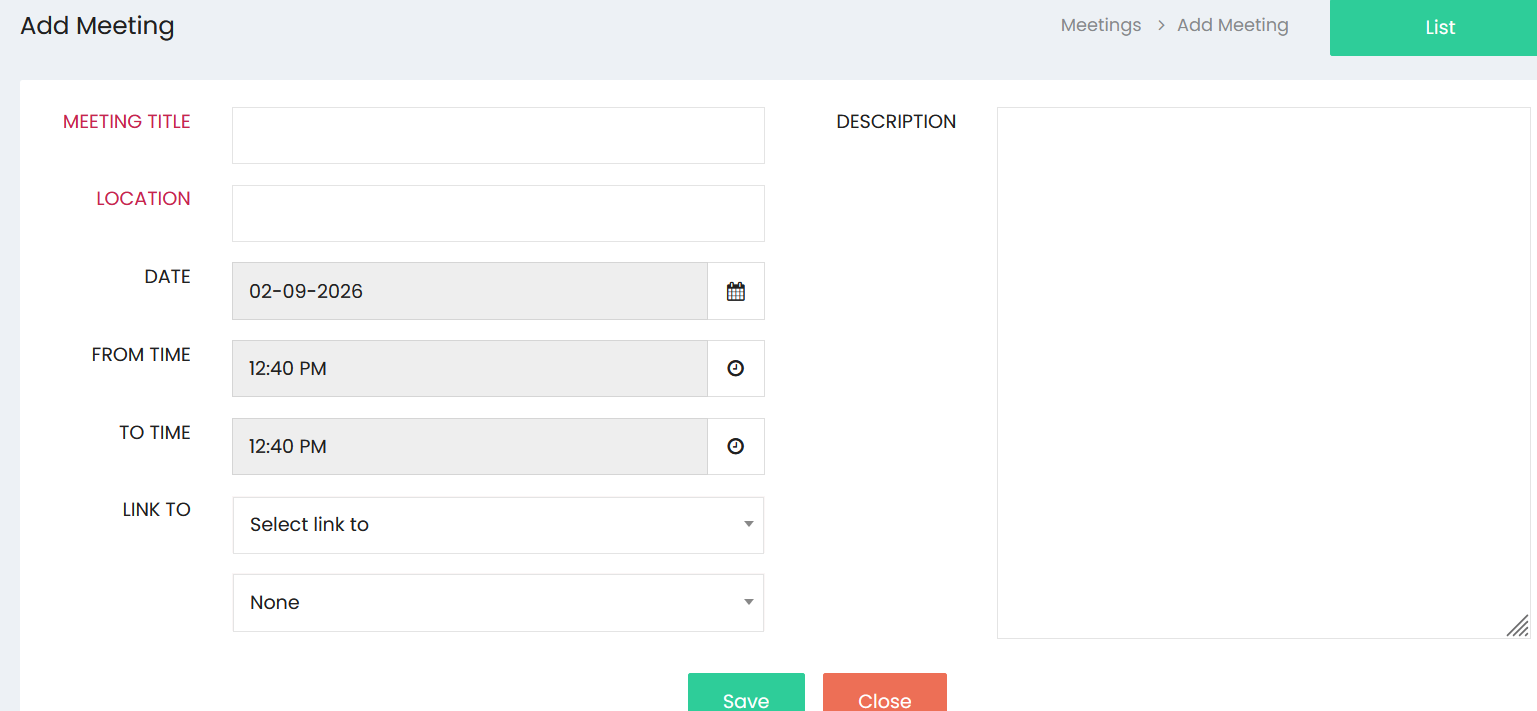
Click Add Meeting to open the meeting creation screen.
Meeting Information
Enter the required meeting details:
- Meeting Title – Enter the title or subject of the meeting.
- Location – Enter the location where the meeting will take place.
- Date – Select the date of the meeting.
- From Time – Select the starting time of the meeting.
- To Time – Select the ending time of the meeting.
- Description – Enter additional information, agenda, or notes related to the meeting.
Linking a Meeting
The Link To field allows the meeting to be associated with a relevant record in the system. Select the appropriate option and then select the corresponding record from the available list.
This helps maintain a connection between the meeting and the related business activity or customer record.
Saving the Meeting
After entering the meeting information, click Save to create the meeting. The meeting is then added to the appropriate category in the Meeting List based on its scheduled date.
Click Close to exit the meeting creation screen without saving.
Meeting Management
The Meetings section helps users organize schedules, track upcoming meetings, and maintain records of completed meetings. The date and time information provides a clear view of meeting schedules, while the linking option helps associate meetings with relevant business records.