


The Creating a Deal screen allows users to create and manage sales opportunities by recording deal details, customer information, sales stages, payment and shipment terms, ownership, source information, and associated products.
Adding a New Deal
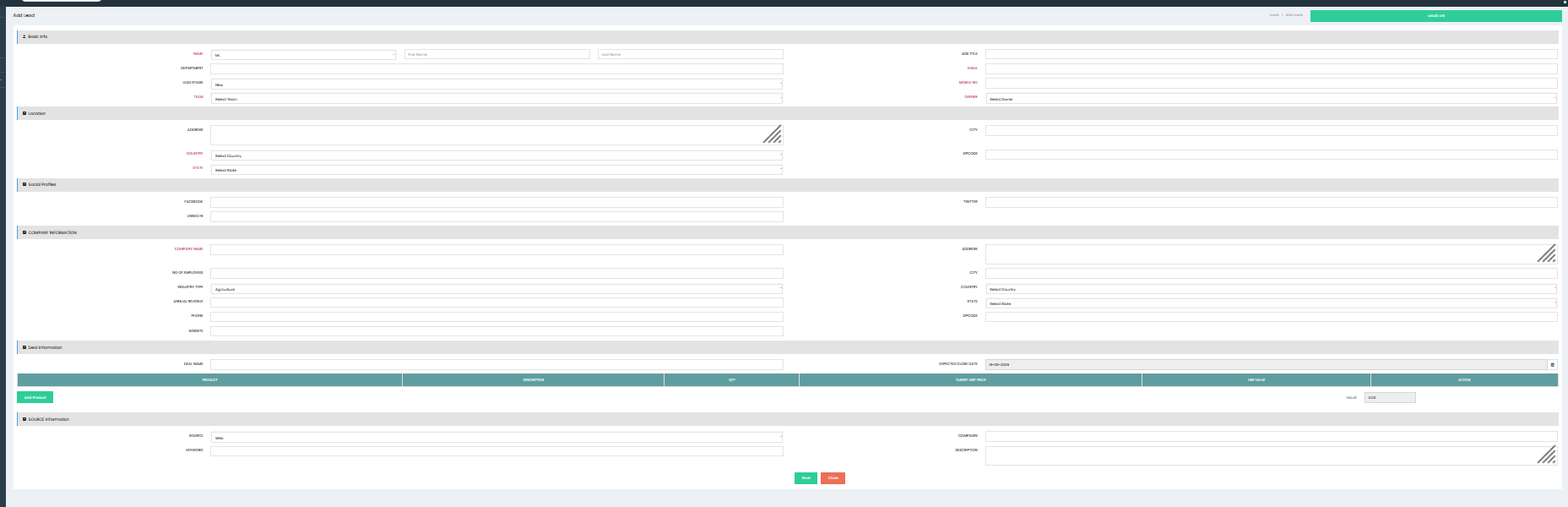
Click Add New Deals to open the deal creation screen.
Basic Info
Enter the primary information related to the deal.
- Deals Name – Enter the name of the deal.
- Type – Select the type of deal, such as New Business.
- Account Name – Select the customer account associated with the deal.
- Contact Name – Select the contact associated with the deal.
- Deal Stage – Select the current stage of the deal.
- Expected Close Date – Select the expected date for closing the deal.
- Payment Terms – Select the applicable payment terms.
- Shipment Terms – Select the applicable shipment terms.
- Probability – Enter the probability of successfully closing the deal.
- Out Source Deal – Select the option if the deal is an outsourced opportunity.
- Team – Select the sales team responsible for the deal.
- Owner – Select the user responsible for managing the deal.
- Source – Select the source from which the deal was generated.
- Description – Enter additional information about the deal.
Product Info
The Product Info section allows users to add products associated with the deal.
Click Add Product to add a product to the deal.
For each product, enter or review:
- Product – Select the product associated with the deal.
- Description – Enter details about the product.
- Qty – Enter the required quantity.
- Target Unit Price – Enter the expected price per unit.
- Line Total – Displays the total amount for the product based on the quantity and target unit price.
- Action – Provides options for managing the product line.
Multiple products can be added to a single deal as required.
Deal Value
The Deal Value displays the total value of the products added to the deal. The value is calculated based on the product quantities and target unit prices.
Saving the Deal
After entering the required deal and product information, click Save to create the deal. The newly created deal is added to the Deal List.
Click Close to exit the deal creation screen without saving.
Deal List
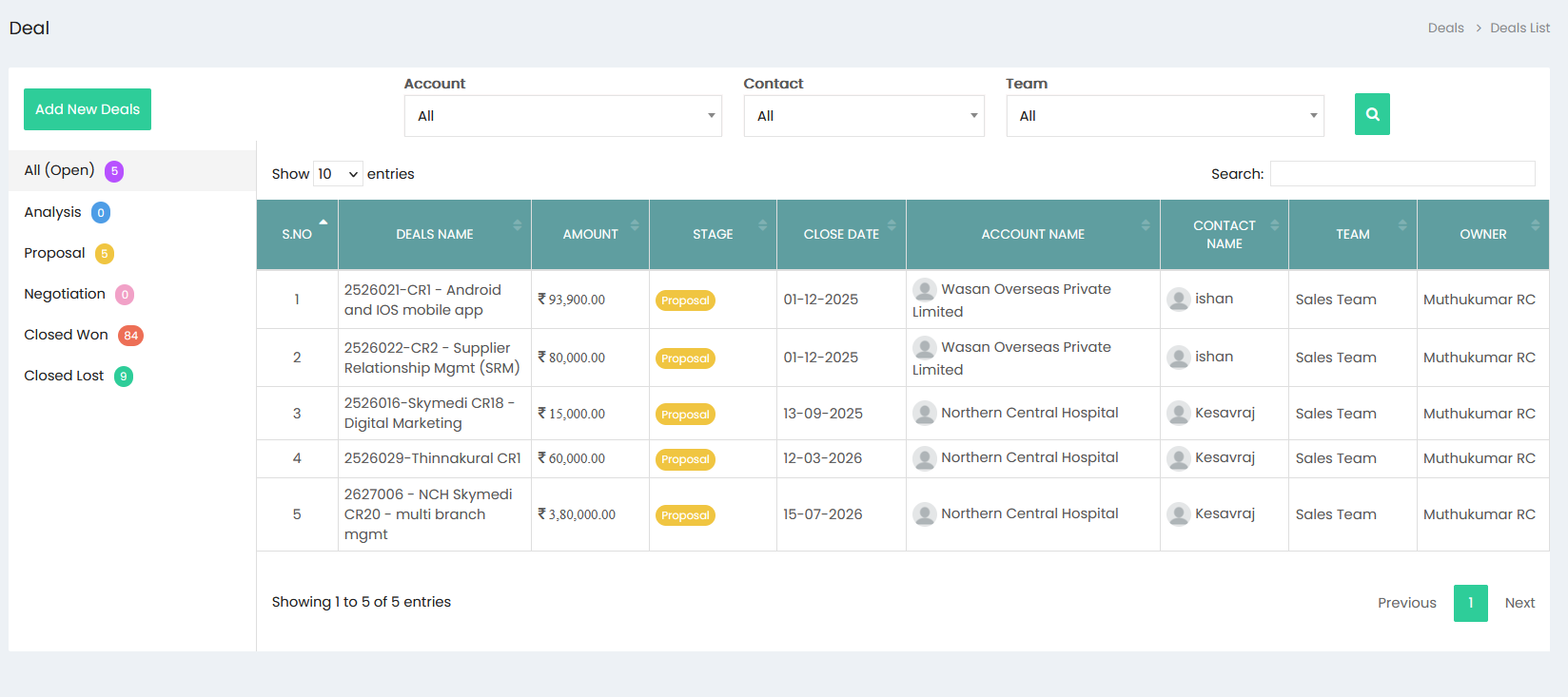
The Deal List displays created deals with key information such as:
- Deals Name – Name of the deal.
- Amount – Total value of the deal.
- Stage – Current stage of the deal.
- Close Date – Expected closing date.
- Account Name – Account associated with the deal.
- Contact Name – Contact associated with the deal.
- Team – Sales team responsible for the deal.
- Owner – User responsible for managing the deal.