


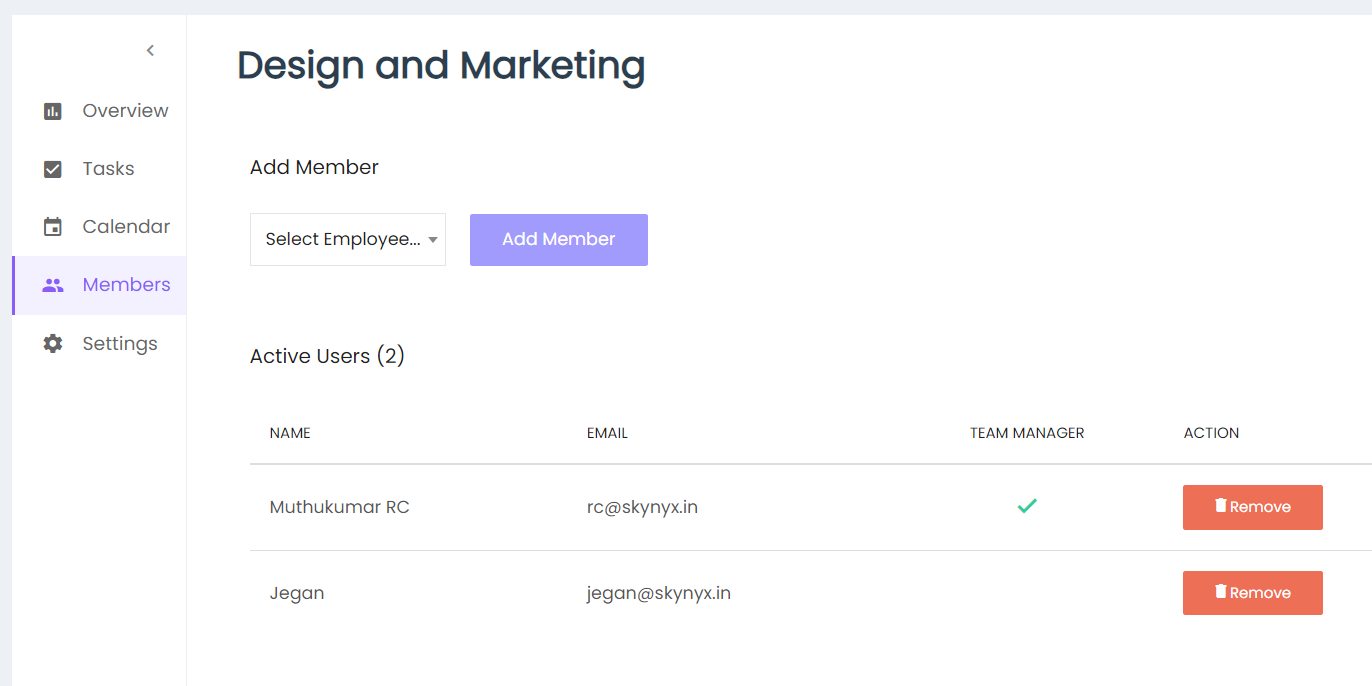
The Team Members section allows users to manage the employees associated with a team.
Add Member
Select an employee from the Select Employee dropdown and click Add Member to add the employee to the team.
Active Users
The Active Users section displays the members currently associated with the team, including:
- Name
- Team Manager
- Action
A check mark in the Team Manager column indicates the team manager.
Remove Member
Click Remove to remove a member from the team.