


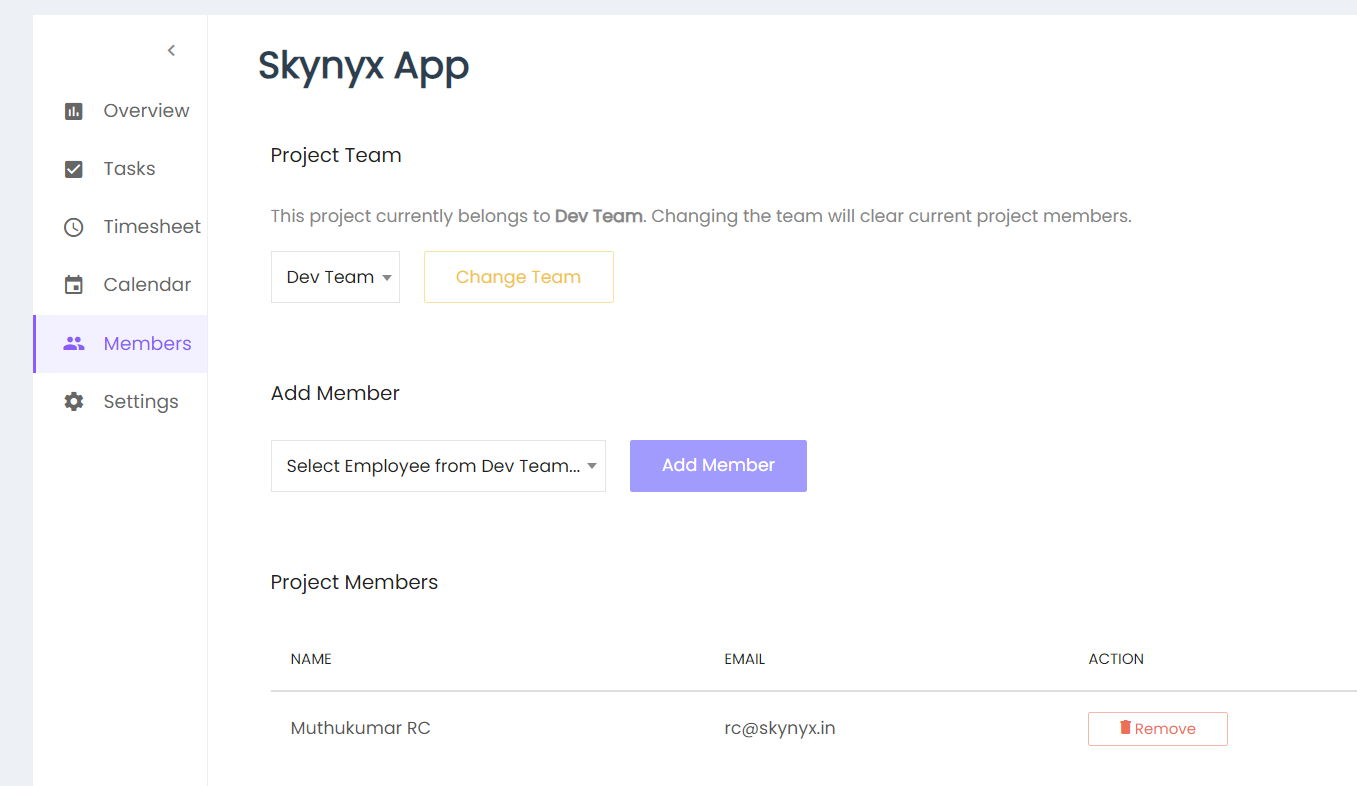
The Project Members section allows users to manage the members associated with a project.
Project Team
The Project Team section displays the team assigned to the project. The current team can be viewed from the team dropdown.
Click Change Team to change the team assigned to the project.
Add Member
Select an employee from the team using the Select Employee dropdown and click Add Member to add the employee to the project.
Project Members
The Project Members section displays the members associated with the project, including:
- Name
- Action
Remove Member
Click Remove to remove a member from the project.